
Learning that lasts
- Recall information from memory.
- Explain the idea with your notes closed.
- Check your answer and correct mistakes.
- Spread practice across several days.
Based on the example transcript
Record lectures and sermons. Return to clear notes, your own thoughts, and study cards that help the important ideas stay with you.
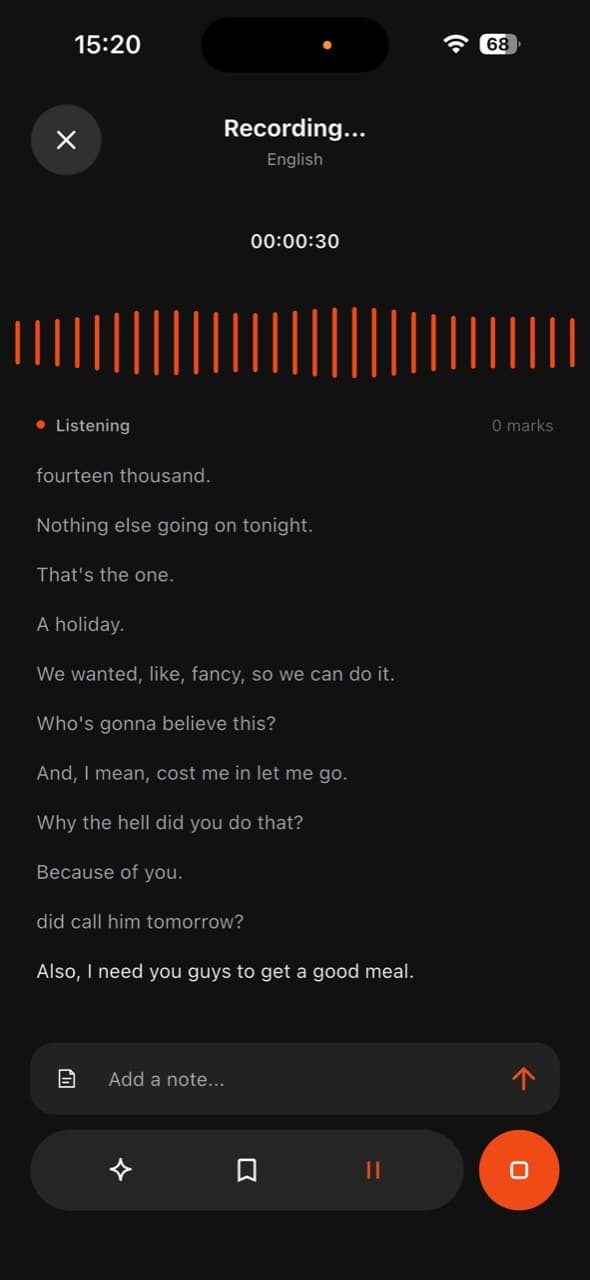
Live transcription
Background recording
Structured notes
Study cards
From the room to your own words
Stay with the speaker. Come back to a clear note, the original words, and a question that helps it stick.
Record on your phone, even without a connection.
AI organizes the transcript when you are online.
Keep your thoughts beside your note. Review with study cards.
Retrieval
An illustrative demo. No microphone access required.
The Lectivo experience
No scattered audio files. No rushed half-notes. The recording, live words, your own thoughts, and everything generated afterward stay together.
01
Choose a lecture or sermon and let Lectivo listen while you stay present.
02
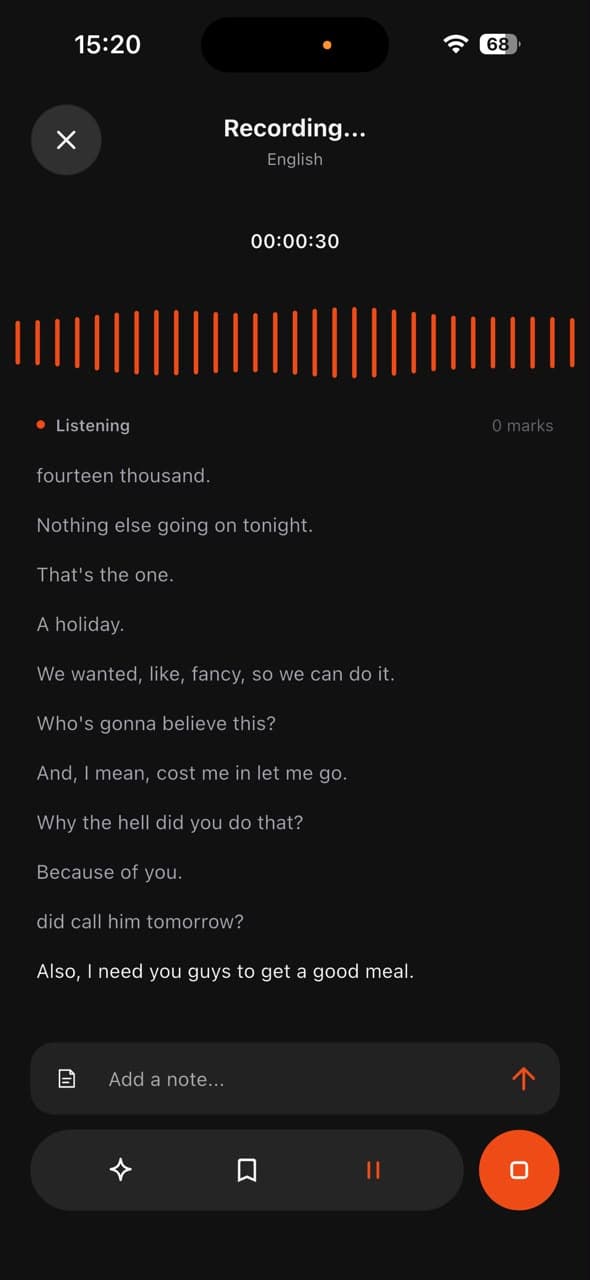
See clear sentences form, mark important moments, and add a thought without leaving the session.
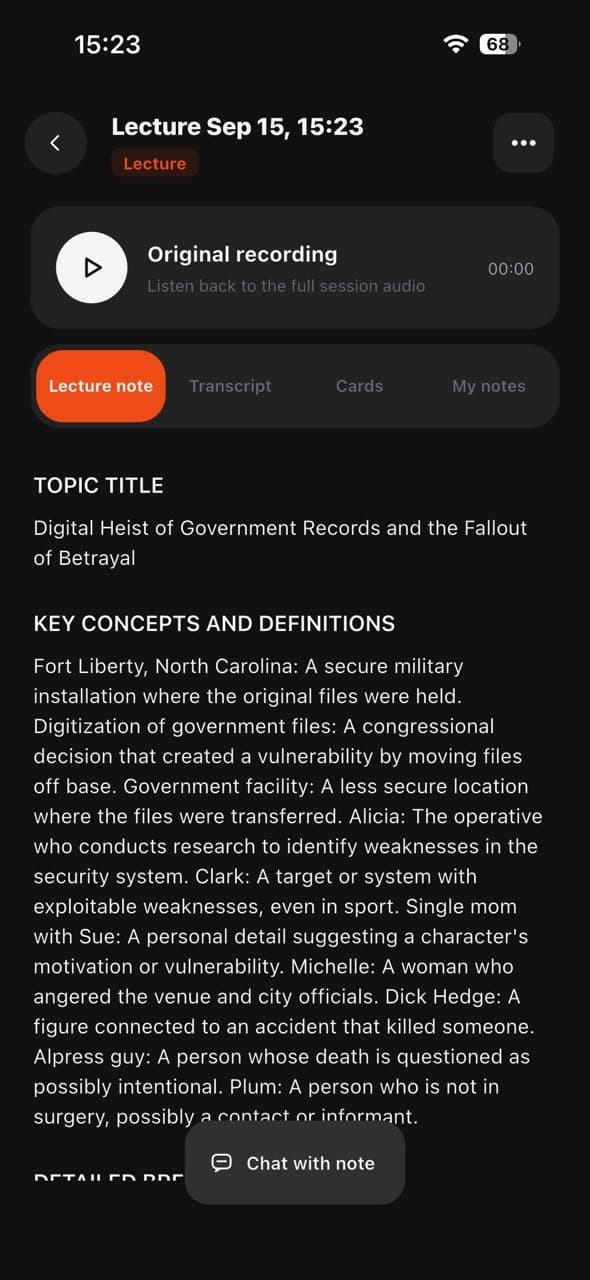
03
The full conversation becomes a structured note with concepts, context, and the original audio.
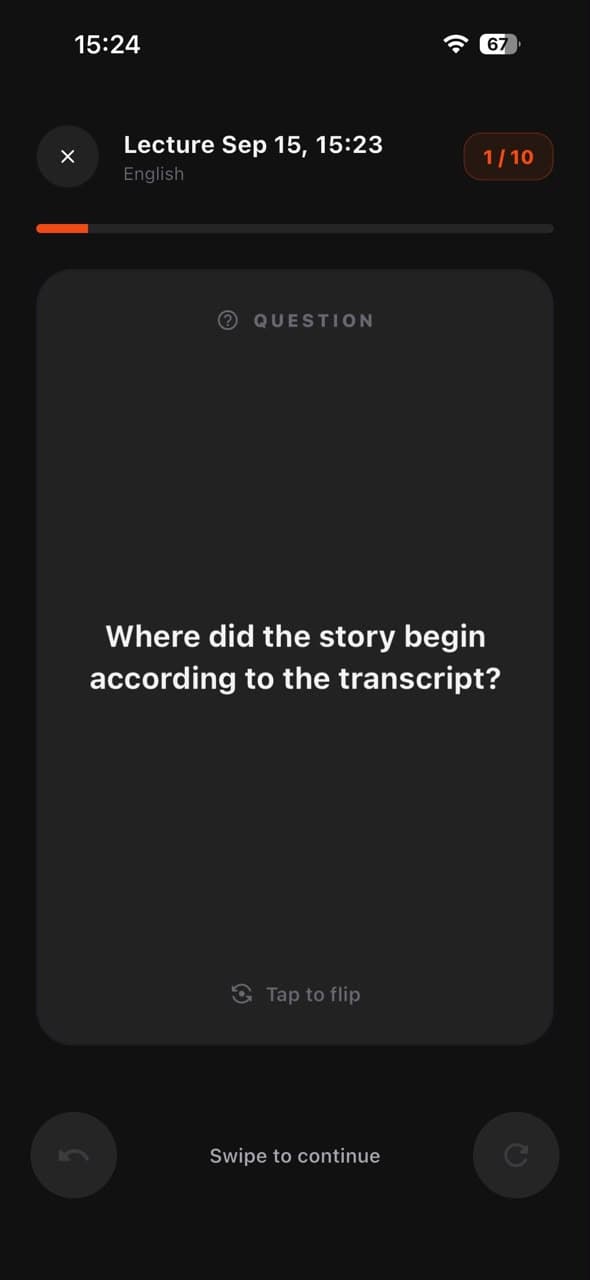
04
Move into focused study cards generated directly from what you heard.
Designed around attention
Everything is placed where you need it while listening, then reorganized around review when the session ends.
Courses keep every recording, transcript, note, and study card in the right place.
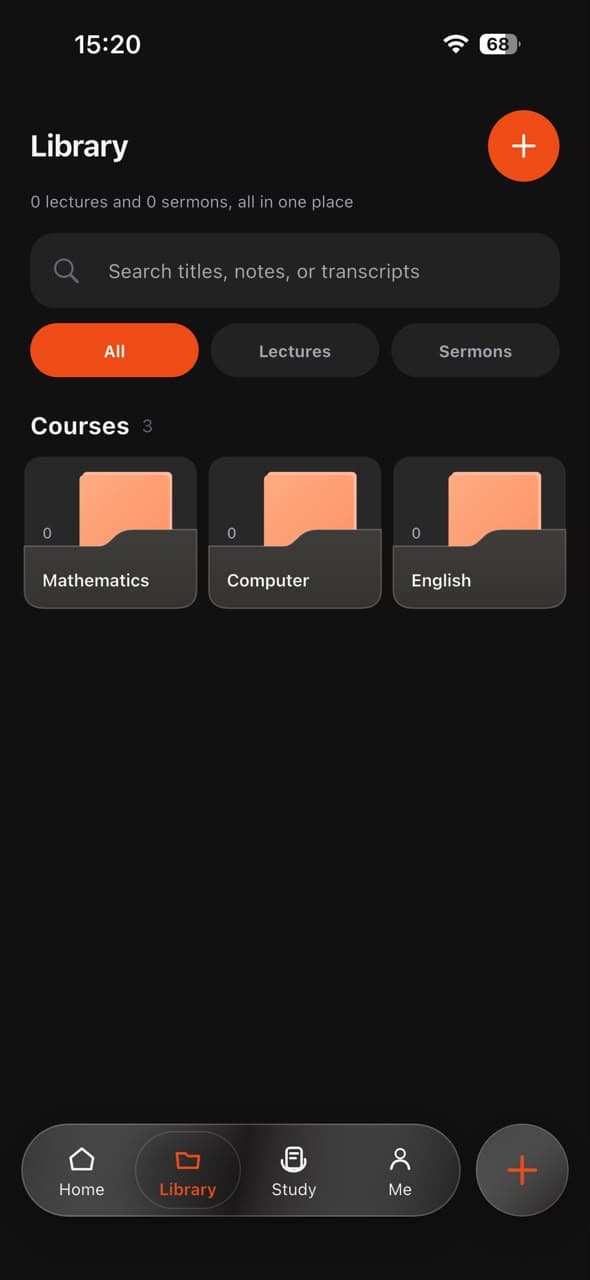
Read the summary, inspect the transcript, replay the source, or ask a concise question about the note.
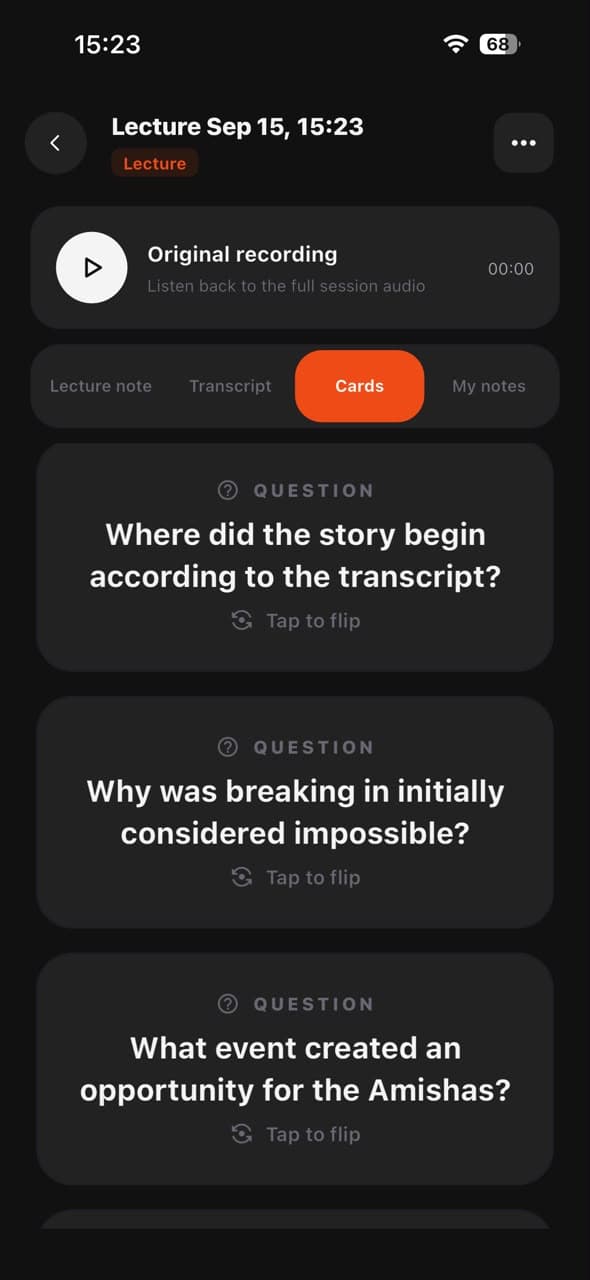
Focused questions come directly from your session, so revision stays relevant.
Browse all generated questions first, then enter an immersive card session when you are ready.
For study and reflection
Switch the app around your context. Academic sessions stay organized by course. Sermons surface scripture, personal reflection, and the message you want to carry into the week.
Study
Course folders, live transcripts, structured concepts, and focused revision cards.
Sermon
Scripture references, sermon notes, personal thoughts, and reflection for later.
Everything included
Readable sentences arrive while the session is still happening.
Replay the source beside your transcript and generated note.
Pin your own thought to the exact moment that inspired it.
Keep lectures organized by subject and easy to return to.
Capture scripture references and shape messages for reflection.
Turn every session into concise questions that strengthen memory.
Simple access
Try three complete sessions, each with no time limit. Upgrade when Lectivo becomes part of how you learn or reflect.
Standard
₦0
Three recordings of any length, including notes and cards.
Start freeUnlimited
₦2,000 / month
Unlimited recordings, notes, cards, searches, and exports.
Get LectivoQuestions, answered
Yes. Recording works offline and is saved on your phone. Cloud transcription and AI notes need a connection. Offline transcription depends on the language and speech support available on your device.
Yes. An active session continues in the background, with recording status and controls available from your phone.
No. You can choose a study workspace for courses or a sermon workspace designed for messages and scripture references.
Yes. Add a personal note or mark a key moment while recording. It stays connected to that point in the session.
Lectivo keeps the original audio and prepares a transcript, structured note, and study cards for review.